
The 9 Best AI Image Generators in 2026 (Tested and Ranked)
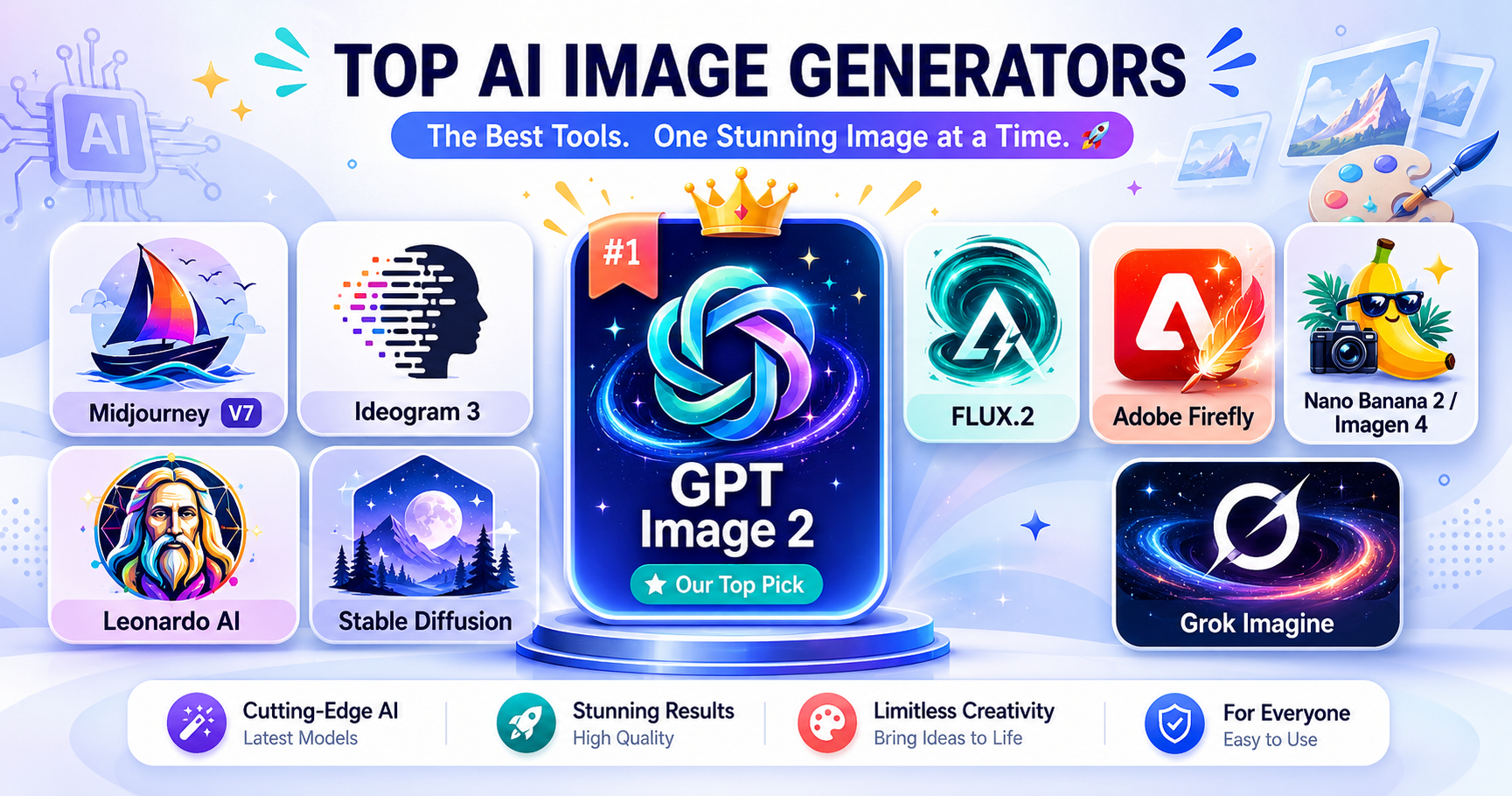
Every AI image tool claims to be the best, which makes picking one a chore. If you've burned through a month of credits and gotten back six-fingered hands or garbled poster text, you already know the marketing rarely matches the output. So what's the best AI image generator for what you actually need? Things change fast in this space. The model everyone recommended last summer might be mid-table now. So instead of guessing, I ran the current leaders through the same set of prompts and ranked the ones that delivered. Need photorealism? Painterly style? A model that can spell? There's a tool built for each of those jobs. The right pick depends on which job is yours.
The tools at a glance
Best for: General use and complex prompts
Pricing: Free tier + $20/mo (ChatGPT Plus)
Read more →Best for: Text in images and marketing graphics
Pricing: Free tier + paid (from ~$15/mo)
Read more →Best for: Photorealism, production APIs, and open-weight local use
Pricing: API ~$0.01–$0.10/image; Open weights free (requires hardware)
Read more →Best for: Cheap high-quality API use and multimodal editing
Pricing: Free via Gemini app; API from ~$0.02/image
Read more →Best for: High volume on a budget
Pricing: Free tier + paid (~$24–$36/mo)
Read more →Best for: Speed and casual use
Pricing: X Premium subscription (Free tier with capped daily generations)
Read more →How we evaluated Prompt accuracy: how faithfully each model handles multi-part prompts and busy scene descriptions. Text rendering: whether the words you ask for show up spelled correctly. This matters most for posters and marketing graphics. Image quality: textures, lighting, and whether hands look like hands, in both artistic and photorealistic styles. Value: what a subscription costs against what you get in daily generations, plus how responsive support is when something breaks. Commercial safety: where the training data came from and what the license actually lets you do with the images.
Best pick by use case
Best overall
GPT Image 2
Tops blind-vote arena rankings and follows complex instructions better than anything else we tested
Best free option
Leonardo AI
150 free tokens a day, the most generous tier of the bunch
Best for artistic work
Midjourney V7
Still the consensus pick for pure aesthetics; its lighting and textures stand apart
Best for enterprises
Adobe Firefly
Trained only on licensed Adobe Stock and public-domain content, so it's the safest legal bet for commercial work
Best for beginners
Grok Imagine
Simple interface, fast results, no settings to fight with
Best for text in images
Ideogram 3
Gets text right 90–95% of the time, well ahead of everything else
The tools in depth
1. GPT Image 2
Best for: General use and complex prompts
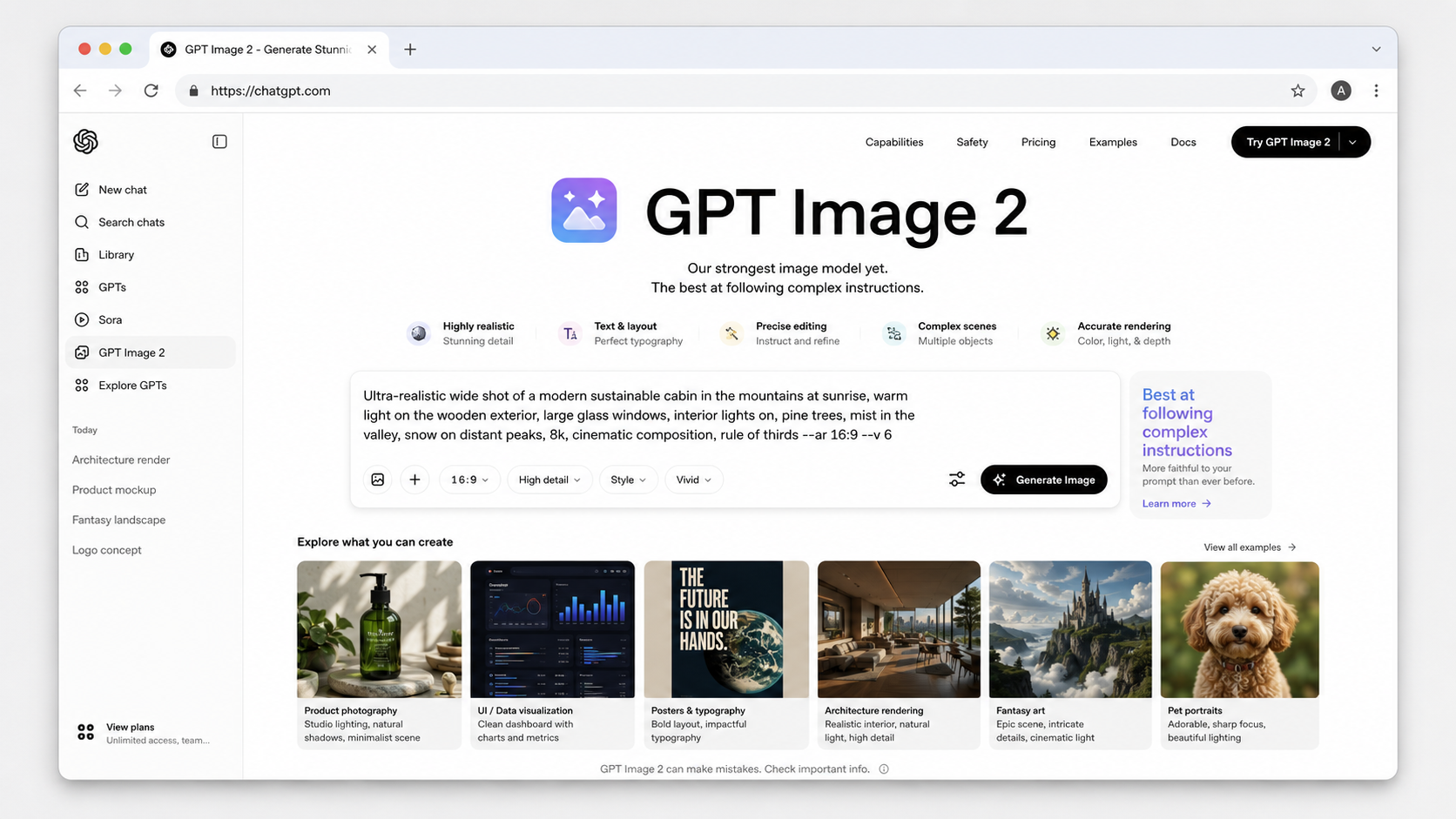
Leads blind-vote arena benchmarks and is the strongest at following complex instructions.
GPT Image 2 is OpenAI's flagship image generation model, natively integrated into ChatGPT as a multimodal LLM. Unlike diffusion-only models, it reasons about text and instructions before generating, allowing for superior accuracy in complex scenes and support for conversational image editing. It is the primary tool for users seeking high instruction-following precision within a chat interface.
Pros
- Top-ranked in blind-vote arena benchmarks for human preference
- Superior adherence to complex, multi-subject instructions
- Native conversational editing allows for easy iterative changes
Cons
- Slower generation speeds compared to specialized diffusion models
- Restrictive free tier limited to approximately 3 images per day
- Aesthetic textures may not reach the specialized levels of Midjourney
2. Midjourney V7
Best for: Artistic/aesthetic work
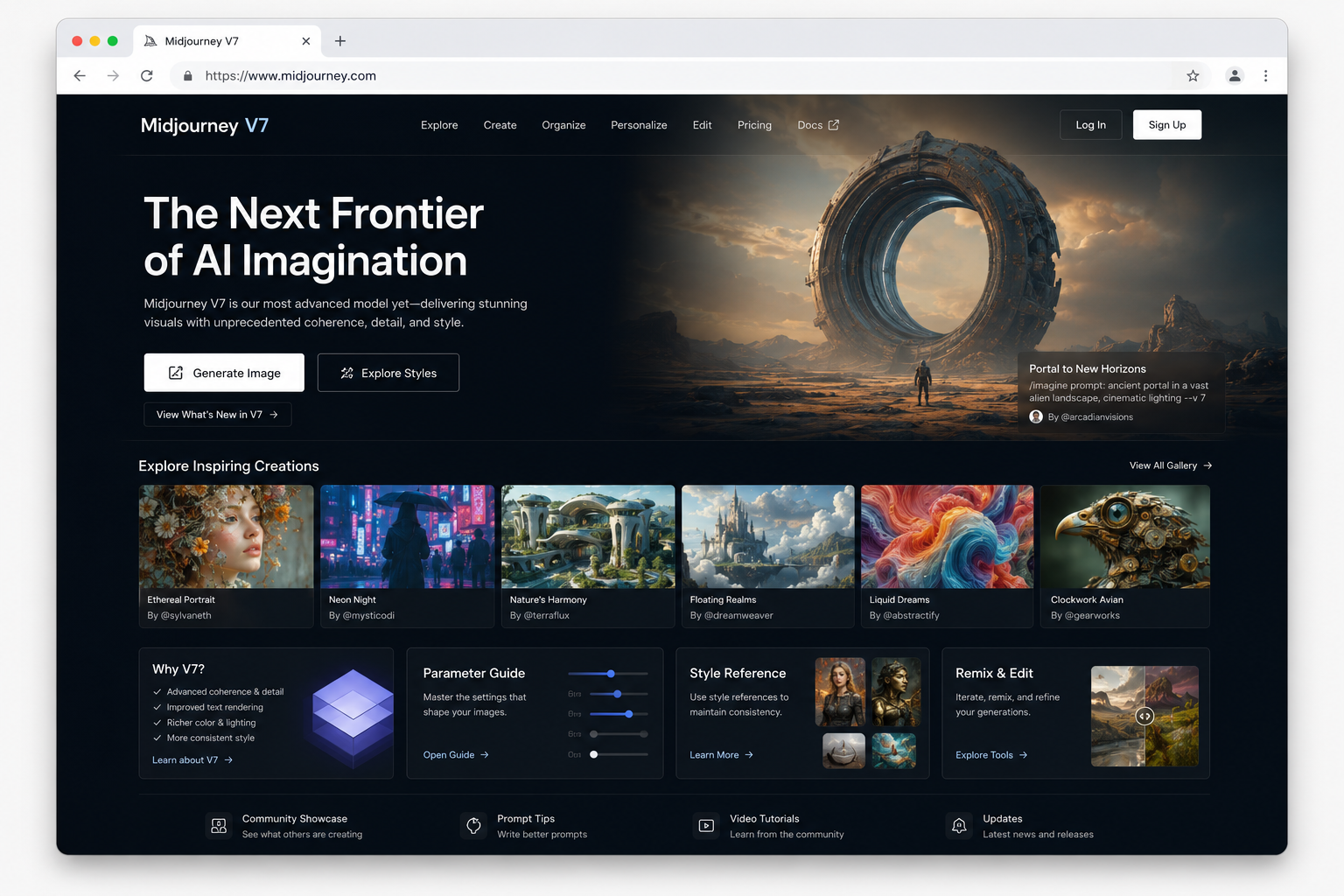
Remains the consensus pick for aesthetic quality and artistic work.
Midjourney V7 is a premier AI image generator renowned for producing industry-leading textures, colors, and artistic style consistency. Accessible via a web interface and Discord, it is the preferred tool for art direction and high-fidelity creative projects, though it requires mastering a specific parameter syntax.
Pros
- Industry-leading aesthetic quality and artistic textures
- Excellent style consistency and reference features
- Favored by professional reviewers for art direction
Cons
- Poor customer service reputation and billing disputes
- Low text-rendering accuracy compared to competitors
- Steep learning curve for parameter syntax
3. Ideogram 3
Best for: Text in images and marketing graphics
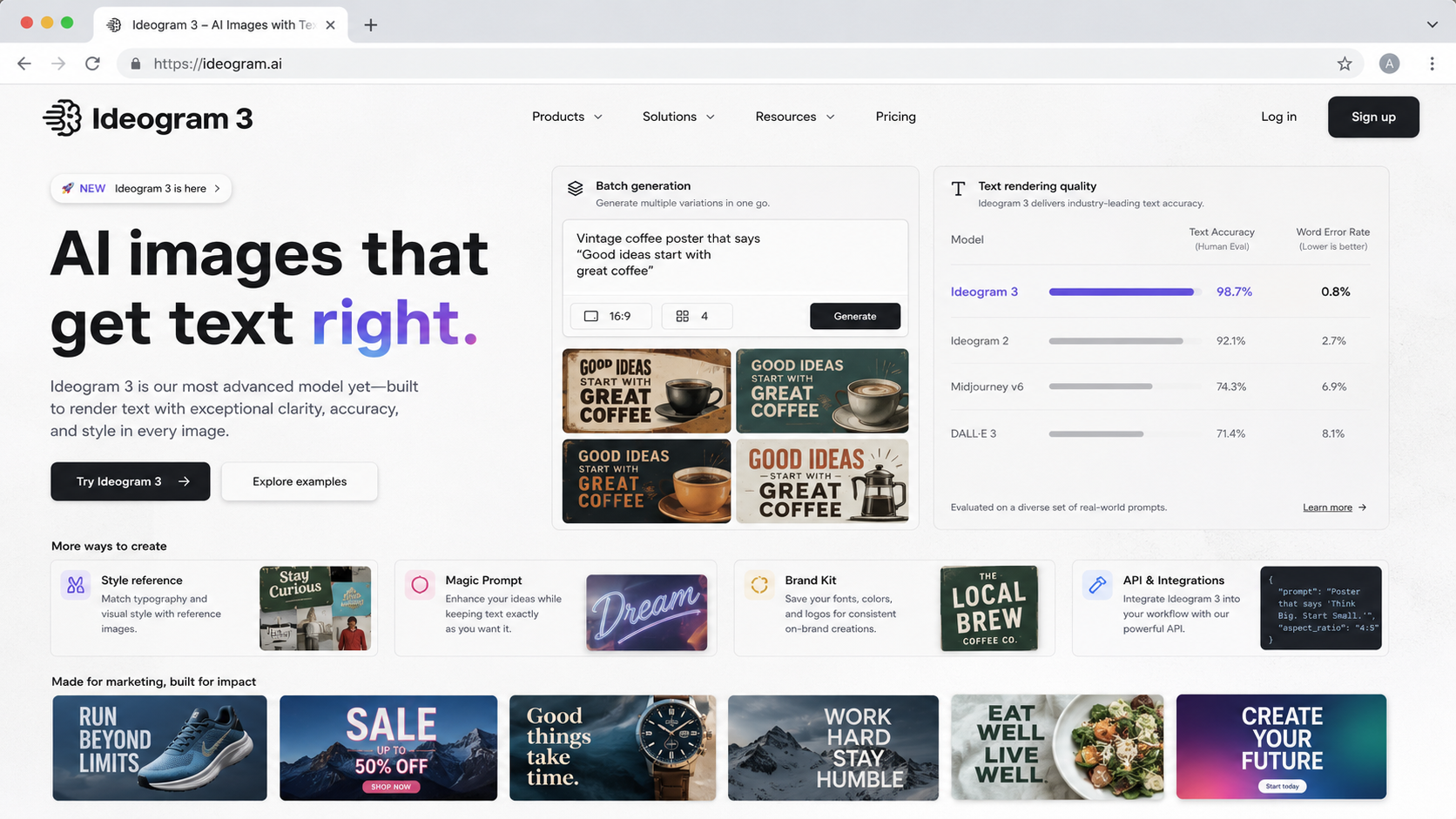
Ideogram 3 dominates the market in accurate text rendering within AI-generated images, achieving a 90–95% success rate.
Ideogram 3 is a specialized AI image generator designed to solve the long-standing challenge of rendering legible text, making it a premier tool for creating posters, thumbnails, and social media assets. It features high-quality batch generation capabilities and maintains a strong user satisfaction rating of 4.2/5 on Trustpilot. While it offers a limited free tier, premium subscriptions enable private generations and advanced export options for professional use.
Pros
- Industry-leading 90–95% text rendering accuracy
- Optimized for marketing graphics and typography
- Supports efficient batch image generation
Cons
- Free tier images are public by default
- Free tier is limited to JPG-only exports
4. FLUX.2
Best for: Photorealism, production APIs, and open-weight local use
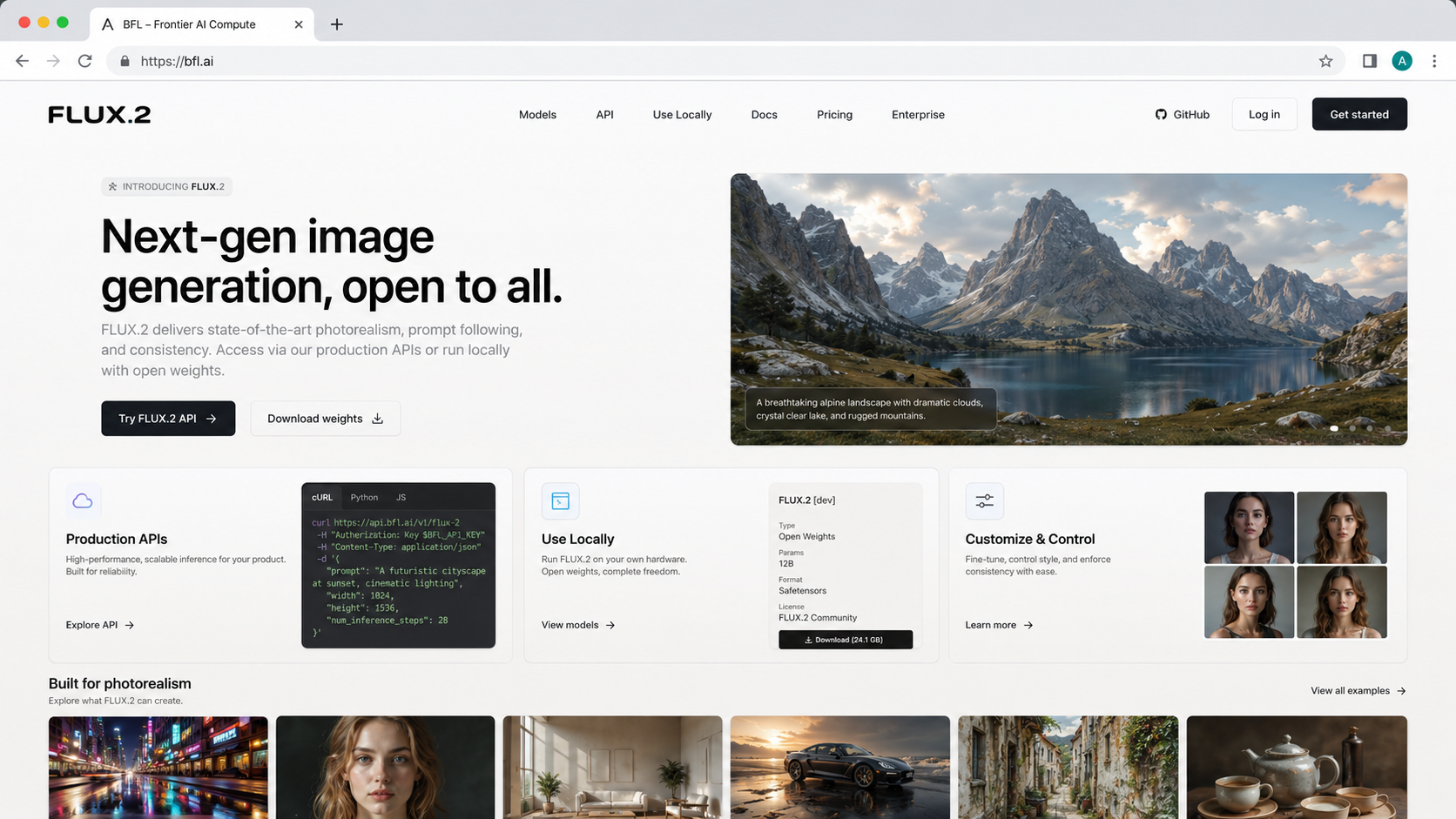
FLUX.2 leads the market in photorealism and stands as the strongest open-weight option for high-fidelity image generation.
FLUX.2 is a 32-billion parameter model developed by Black Forest Labs that excels at high-fidelity photorealistic output, instruction following, and text rendering. It offers a unique middle ground for the industry, providing powerful production APIs alongside open-weight variants that allow for deep local customization and control.
Pros
- Industry-leading photorealism and texture quality
- High-resolution output up to 4MP
- Excellent text rendering and HEX color matching
Cons
- High local hardware requirements (64–85GB VRAM for full FP16)
- Requires heavy quantization to run on consumer GPUs like the RTX 4090
- Wide price variance between Schnell and Pro API tiers
5. Adobe Firefly
Best for: Commercial and enterprise safety
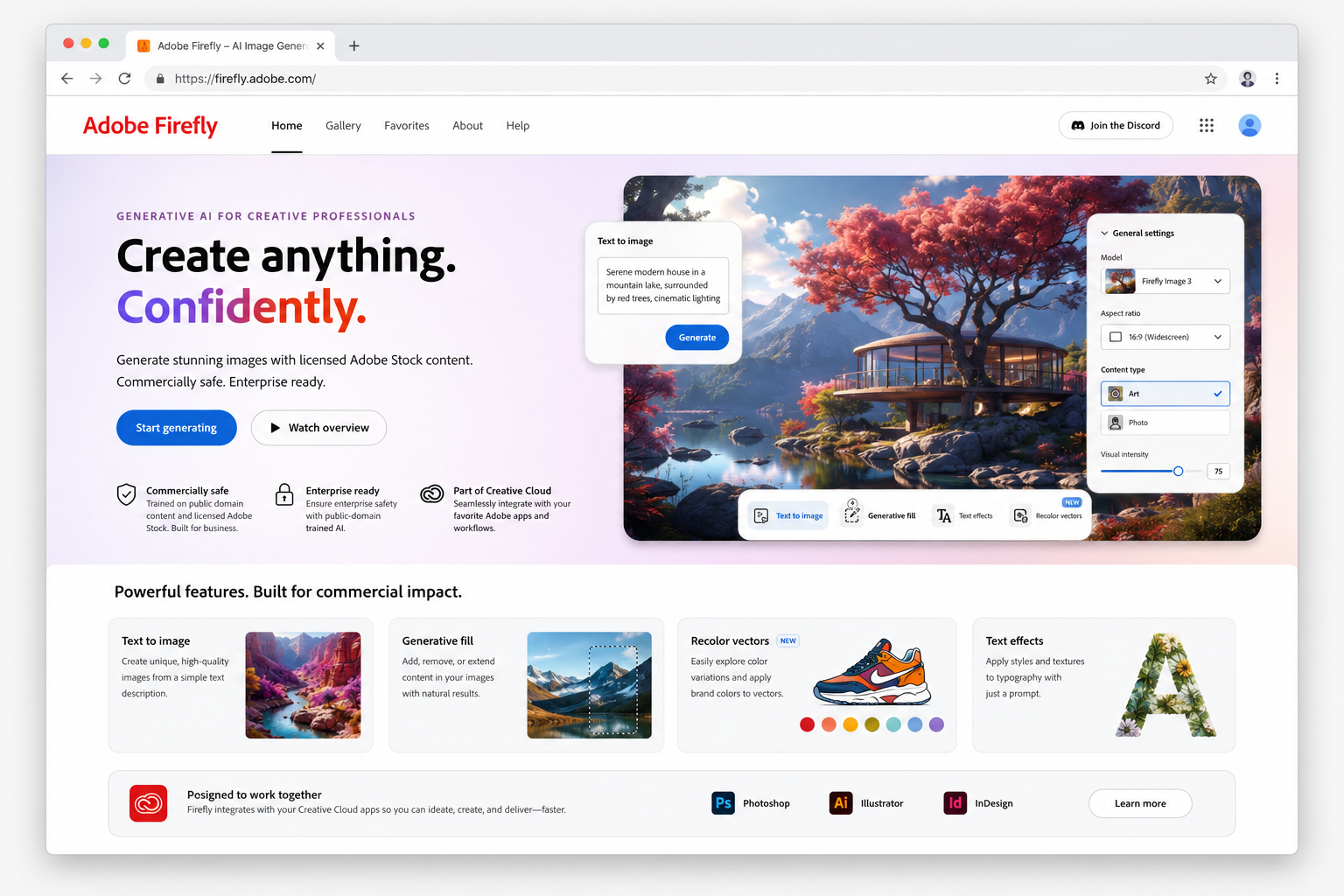
Adobe Firefly is the industry standard for legally safe AI image generation, trained exclusively on licensed Adobe Stock and public-domain content.
Adobe Firefly is a generative AI toolset specifically engineered for commercial and enterprise environments. It distinguishes itself by training exclusively on licensed Adobe Stock and public-domain content, ensuring that generated outputs are legally safe for business use. The platform includes specialized features like vector recoloring and integrates deeply with the Adobe Creative Cloud ecosystem.
Pros
- Trained on licensed Adobe Stock and public-domain data
- Seamless integration with Adobe Creative Cloud applications
- Explicit commercial safety and legal indemnity for enterprises
Cons
- Reduced stylistic range compared to models with broader datasets
- Restricted by a credit-based pricing system
6. Nano Banana 2 / Imagen 4
Best for: Cheap high-quality API use and multimodal editing
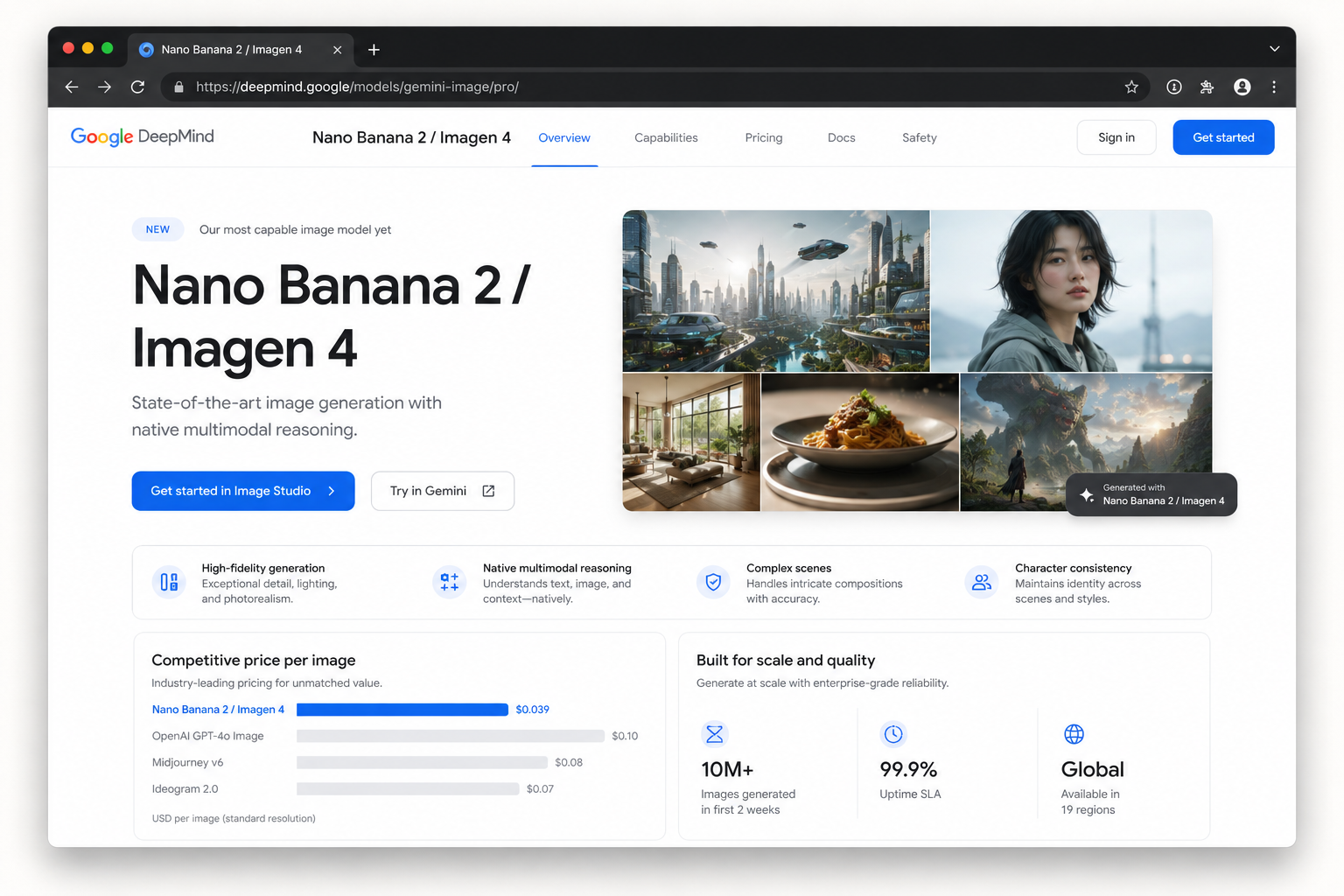
Google's price-performance leader for API image generation, featuring high-fidelity outputs and native multimodal reasoning.
Nano Banana 2, powered by the Imagen 4 model family, is a native multimodal generator that understands and reasons about text instructions to produce high-resolution images up to 4K. It is designed to handle complex multi-subject scenes and maintains character consistency for up to five individuals. The model is highly optimized for developers, offering one of the most competitive price-per-image rates in the industry via its Fast API.
Pros
- Industry-leading API pricing (~$0.02 per image)
- Native multimodal architecture for superior instruction following
- Maintains consistency for up to 5 characters
Cons
- Primarily accessed via API or Gemini bundles
- Enterprise indemnity required for full commercial safety
7. Leonardo AI
Best for: High volume on a budget
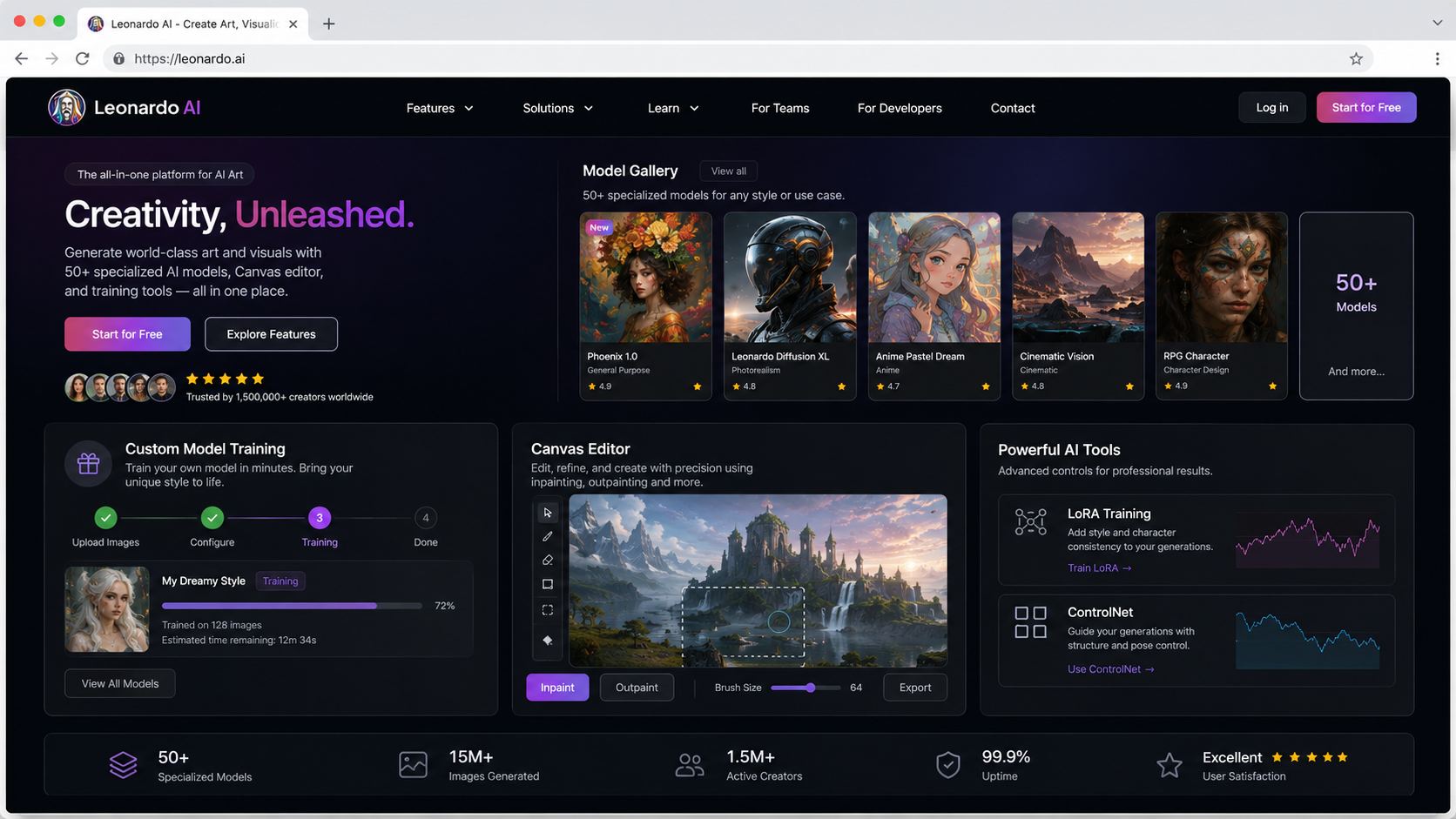
Wins on volume-for-money and user satisfaction with a generous free tier.
Leonardo AI is a versatile creative platform offering access to over 50 specialized models and advanced features like custom model training and a dedicated Canvas editor. It stands out for providing deep technical control—including LoRA and ControlNet—while maintaining a user-friendly interface suitable for both beginners and professional creators.
Pros
- Generous free tier offering 150 tokens daily
- Excellent cost-to-volume ratio for high-frequency users
- High user satisfaction with a 4.5/5 Trustpilot rating
Cons
- Steeper learning curve than conversational generators
- Interface may feel cluttered compared to minimalist competitors
8. Stable Diffusion
Best for: Full local control
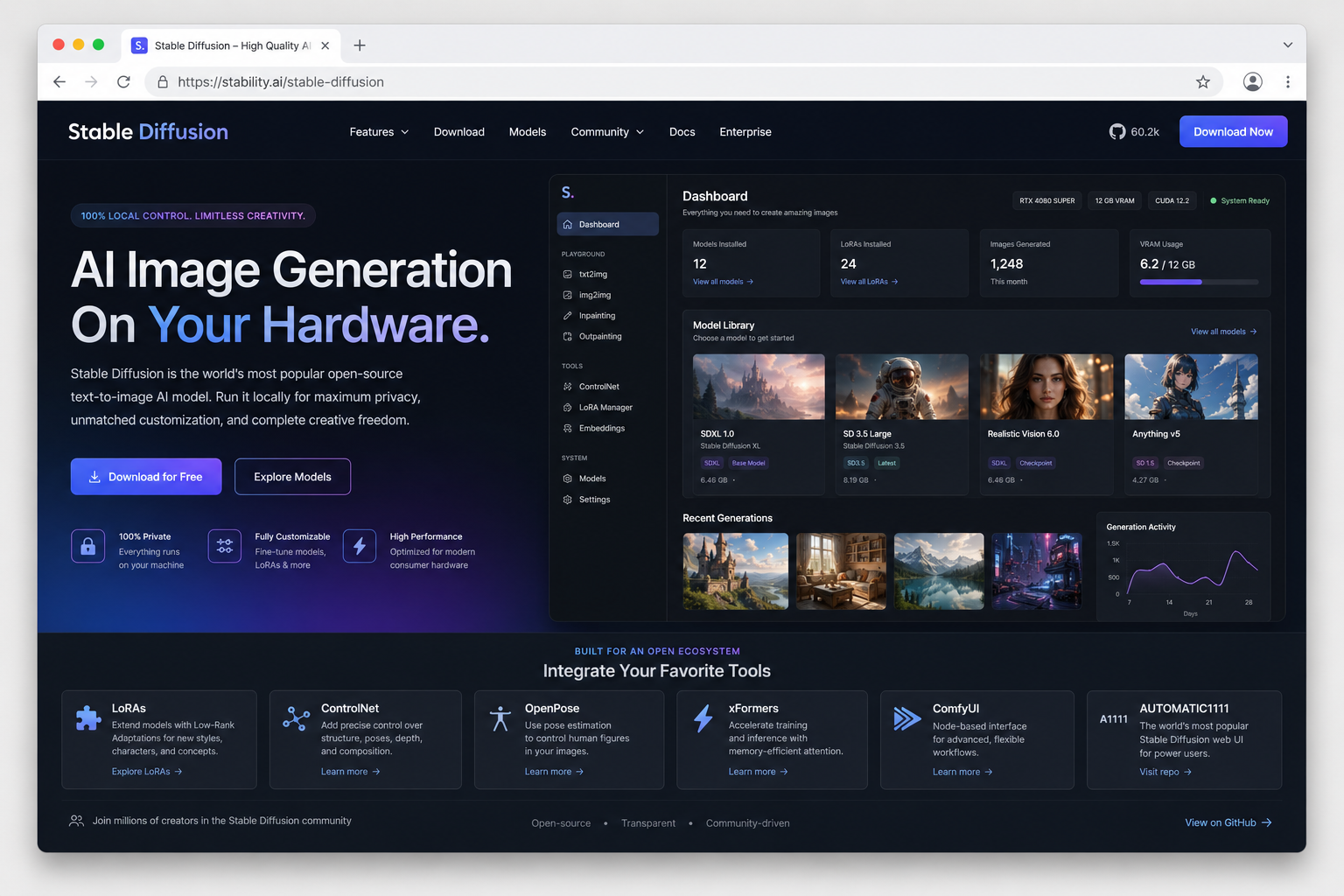
Offers the largest ecosystem and full local control.
Stable Diffusion is an open-weight model family, including versions like SDXL and SD3.5, that allows for high-quality image generation on personal hardware. It is the industry standard for users seeking maximum customization, supported by a vast community ecosystem of tools such as LoRAs and ControlNet.
Pros
- Complete local control and privacy
- Largest ecosystem of community-made tools (LoRAs, ControlNet)
- Deeply customizable model checkpoints
Cons
- Requires technical knowledge for setup and optimization
- Requires powerful local GPU hardware
9. Grok Imagine
Best for: Speed and casual use
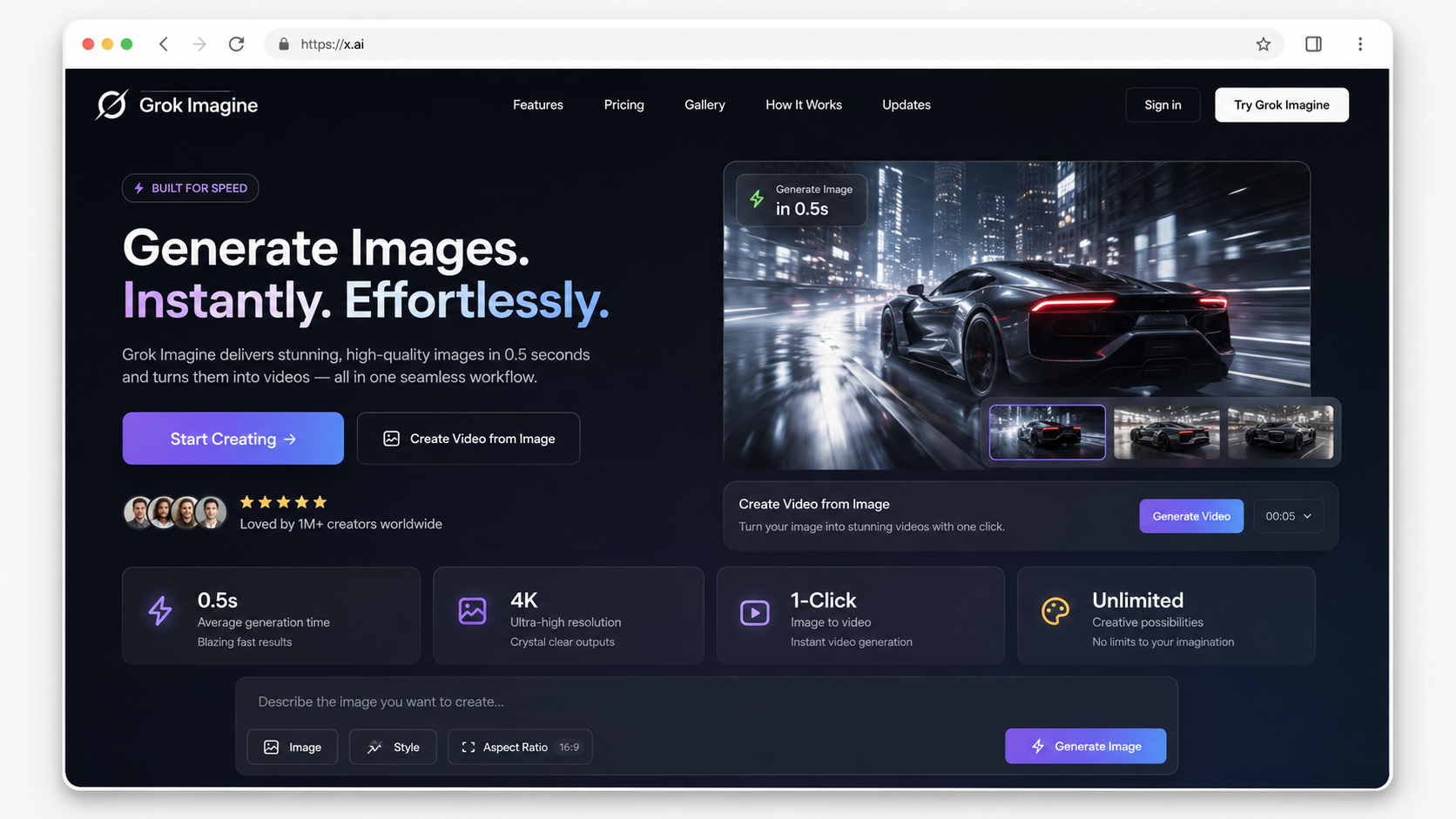
Grok Imagine is a high-speed image generator known for sub-second performance and integrated image-to-video capabilities.
Developed by xAI and integrated into the X platform, Grok Imagine is optimized for rapid content creation, delivering results 2–4x faster than many competitors. It offers a streamlined user experience for social media users, including features like native image-to-video generation. While it provides a basic free tier, full functionality is primarily tied to X Premium subscriptions.
Pros
- 2–4x faster generation than industry averages
- Native image-to-video capabilities
- Sub-second to few-second response times
Cons
- Full access requires an X Premium subscription
- Tightened daily free generation limits
- Less customization compared to tools like Stable Diffusion
The verdict
No single model wins everything in 2026, so pick by job. GPT Image 2 is the best all-rounder; it follows complicated prompts more faithfully than anything else we tested. Midjourney V7 still makes the best-looking images, even if its customer support is thin. When the image has to contain words, use Ideogram 3. Leonardo AI has the most generous free tier, which makes it the pick for high volume on a budget. Adobe Firefly is the safe choice when legal is looking over your shoulder. And FLUX.2 is what you run for top-tier photorealism with open weights on your own hardware.
Frequently asked questions
what's the best ai image generator
GPT Image 2, going by blind-vote arena rankings, where it has held the top spot for most of 2026. It follows layered prompts more accurately than its rivals, and you can edit results conversationally inside ChatGPT instead of re-rolling from scratch.
what's the best ai for image generation
If "best" means best-looking, Midjourney V7. Its lighting and textures still beat standard diffusion models, and its style consistency is unmatched. The catch is the learning curve: both the Discord and web interfaces take time to get comfortable with.
what's the best free ai image generator
Leonardo AI, with 150 free tokens a day. Ideogram and the free version of ChatGPT also work without paying, just with tighter caps. And if you own a decent GPU, Stable Diffusion runs locally with no subscription at all.
what's the best image generating ai
FLUX.2, if photorealism is the priority. It's also the strongest open-weight model available right now, with fine-grained control over image details, output up to 4K, and a stable API. That combination is why a lot of production teams build on it.
what's the best ai for generating images
For anything that needs readable text in the image (posters, social graphics, packaging), Ideogram 3. It renders typography correctly 90–95% of the time while most rivals still misspell short words, so designers skip the manual cleanup.